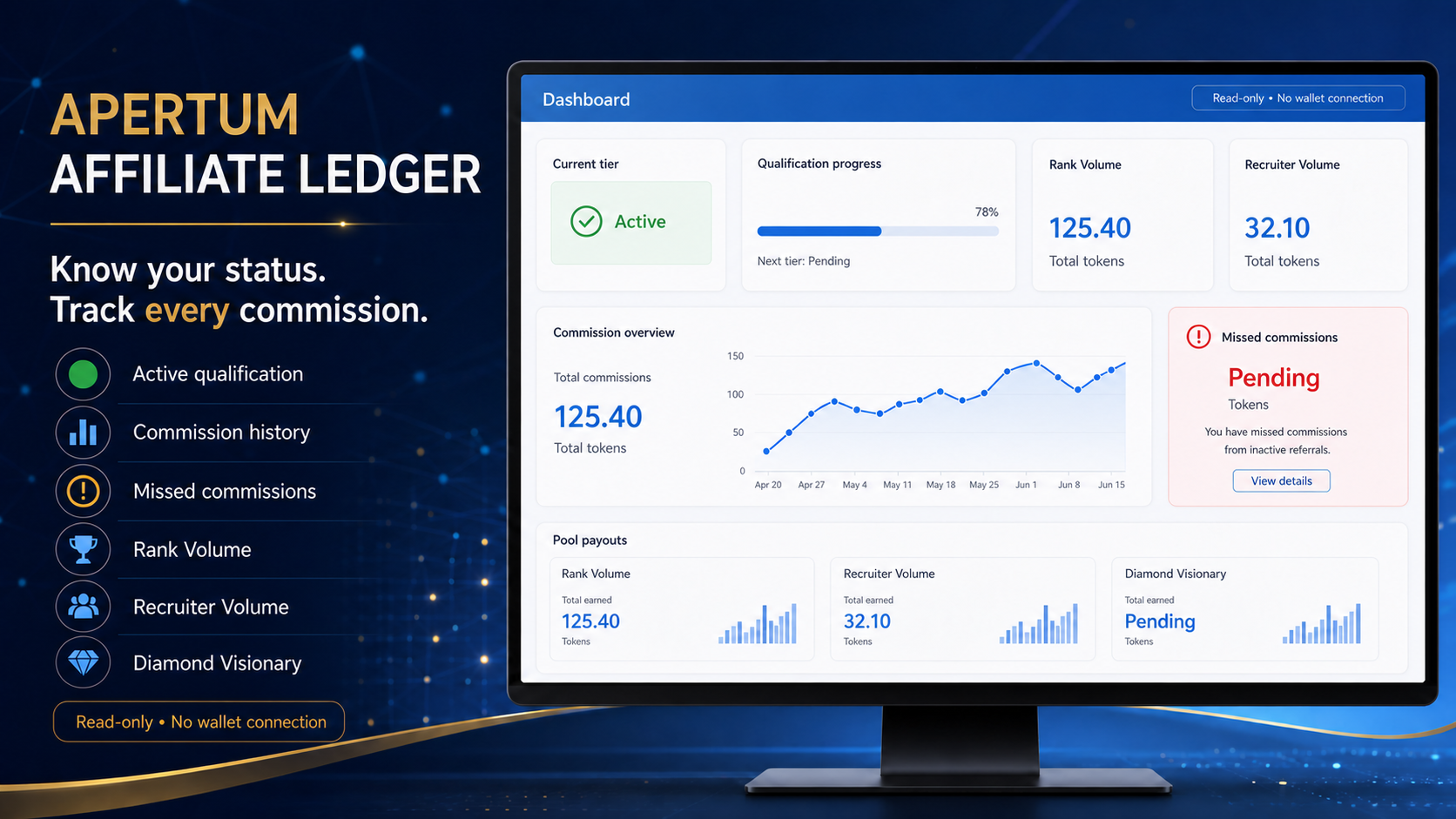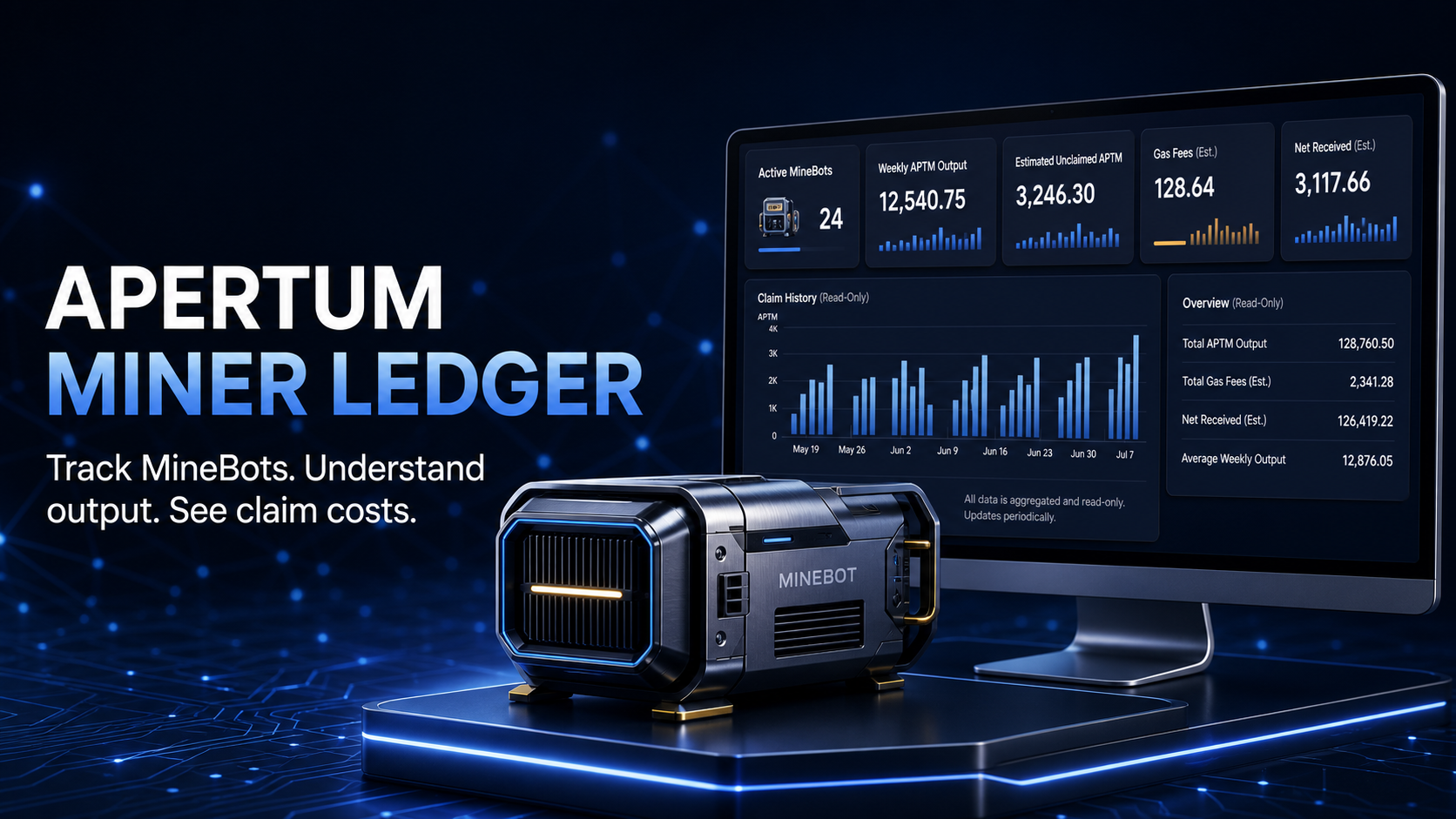
Affiliate Dashboard
See qualification levels, commission history, missed commissions, direct sales, and the clearest next step to take.
Open affiliate dashboard →

Free, independent resources created to help Apertum users and DAO members understand their activity with confidence.
Always verify a website before opening it or connecting a wallet. No genuine support agent needs your private key or seed phrase—never share them by message, email, form, or screen share.
Enter a public wallet address to read useful on-chain information. These tools never ask you to connect a wallet.
See qualification levels, commission history, missed commissions, direct sales, and the clearest next step to take.
Open affiliate dashboard →
Review your MineBots, production, claim history, gas costs, and whether waiting or claiming appears more efficient.
Open miner dashboard →
Learn how to verify official links, compare MineBot claim costs, and read affiliate results. Read the guides and FAQ ↗
Useful public figures supplied by the Apertum Explorer. For the full picture, open the official statistics page.
View all network stats ↗These destinations are provided for convenience. Compare them with the official verified-app directory before using any web app.
Use the Explorer’s verified-app list as your starting point.
Never disclose a seed phrase or private key to anyone.
Imitators may contact you on Telegram, email, or other platforms.
Check the site, network, address, amount, and wallet prompt carefully.